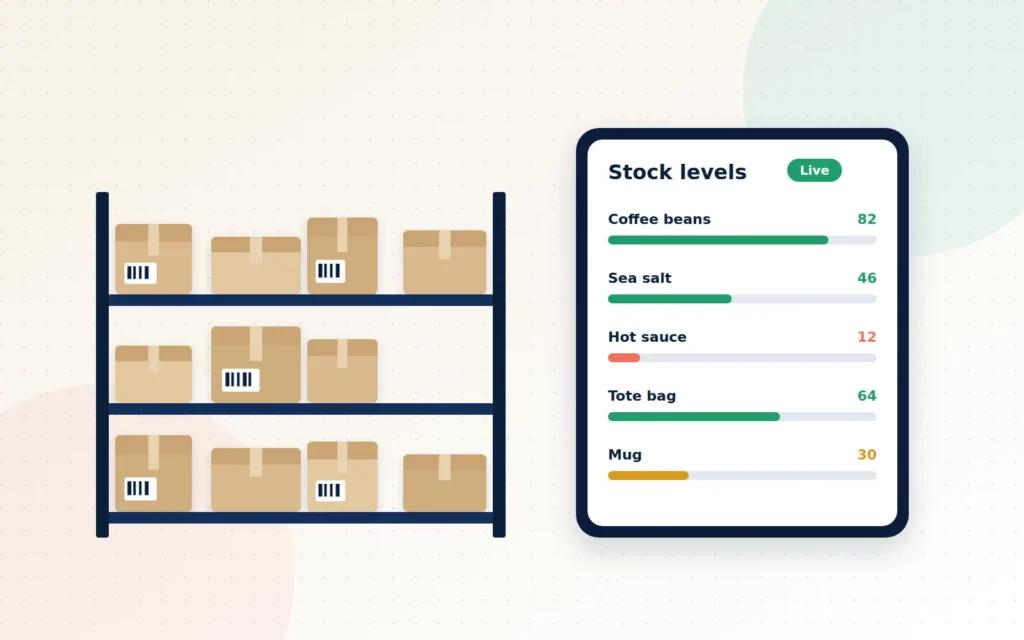
It starts small. A customer orders the last two items you had, except the spreadsheet says you had five. Someone sold two in the shop on Saturday and forgot to update it. Now you have to write an apologetic email, issue a refund and hope the customer gives you another chance.
Then it happens again. A wholesale order slips through the cracks because it arrived by email instead of through the store. A best-seller runs out a week before a holiday rush because nobody noticed it was getting low. Your team spends Sunday evenings reconciling stock counts instead of resting.
None of this means you are bad at running a business. It means your business has outgrown the tools you started with. Inventory and order management is the quiet engine behind every smooth online store, and when it works, customers simply get what they ordered, on time, every time.
Key takeaways
- Manual stock tracking breaks down as soon as you sell in more than one place.
- Real-time inventory and low-stock alerts prevent overselling and missed sales.
- Automated order workflows cut errors and free up hours of staff time every week.
- Good systems give you the data to buy smarter, not just count better.
The real cost of “we will sort it out manually”
Manual systems feel free because you are not paying a subscription. But they carry costs that never show up on an invoice:
- Overselling: selling stock you do not have, followed by cancellations, refunds and disappointed customers.
- Underselling: items sitting in the back room while the website says “out of stock”.
- Dead stock: cash tied up in products that are not moving, because nobody spotted the trend.
- Staff time: hours spent typing, checking and correcting numbers instead of serving customers.
- Missed orders: requests arriving by phone, email or messaging apps that never make it into the system.
For B2B suppliers the stakes are even higher. A business customer who cannot rely on your stock figures will simply find a supplier they can rely on.
What good inventory management looks like
One source of truth
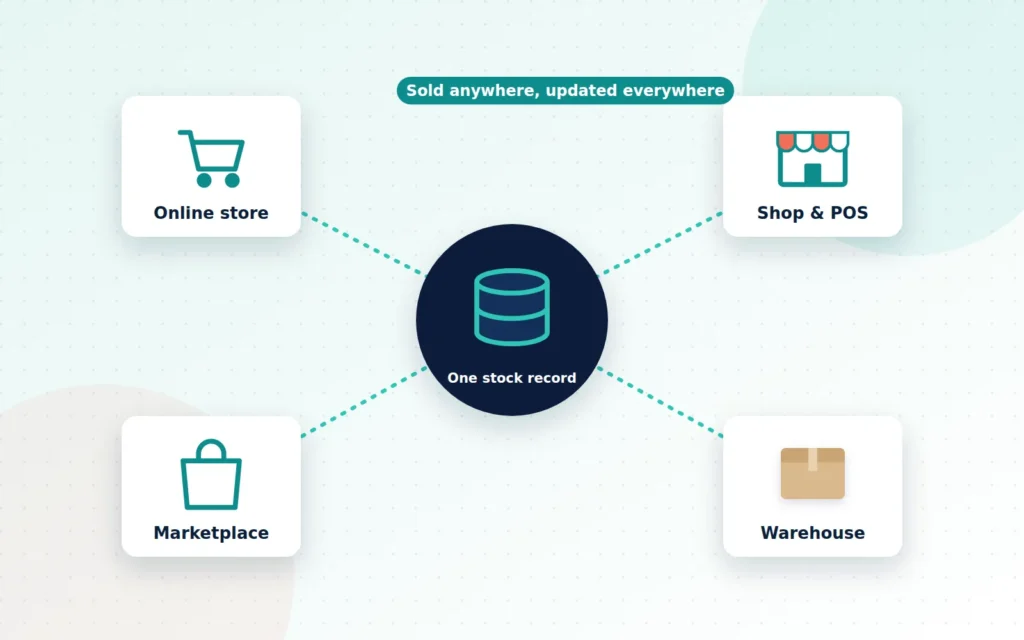
The single biggest improvement most businesses can make is to stop keeping stock in several places. Your online store, your shop’s point-of-sale, any marketplaces and your warehouse should all draw from one central stock record. When something sells anywhere, the number updates everywhere.
Real-time stock levels and alerts
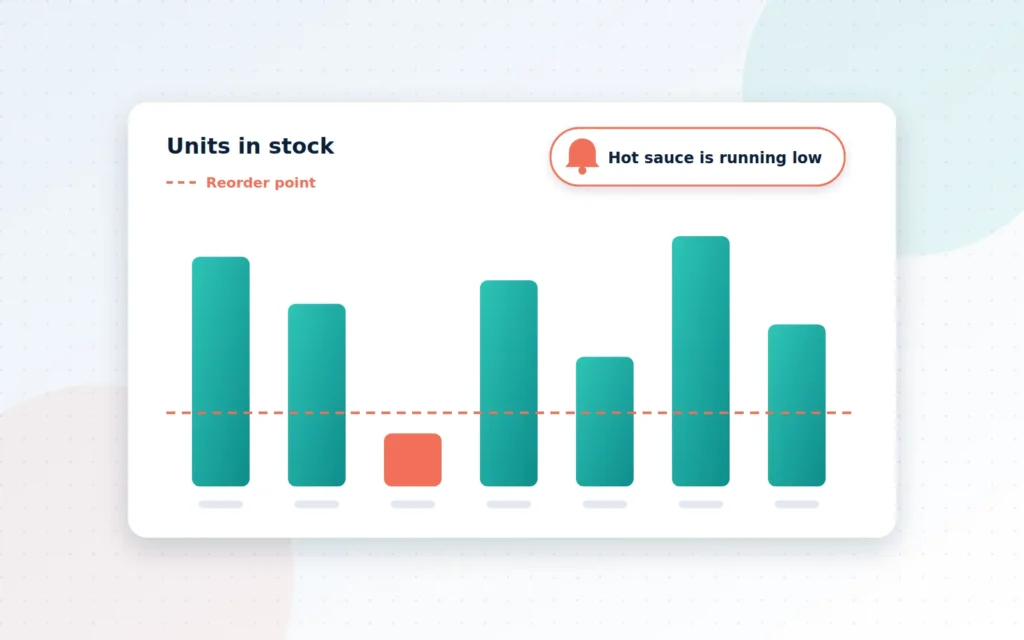
Instead of finding out you are out of stock when a customer complains, set a reorder point for each product. When stock drops below it, the system alerts the right person. You can even set different thresholds for fast and slow sellers.
Clean product data
Inventory is only as good as the product information behind it. That means consistent SKUs (stock-keeping units), clear variations for sizes and colours, accurate weights and dimensions for shipping, and supplier details for reordering. Bulk import and export tools make it easy to update hundreds of products at once rather than one by one.
Multi-location and multi-channel sync
If you hold stock in more than one location, such as a shop and a storeroom, or sell on more than one channel, you need to know exactly what is where. Good systems show availability by location and route orders to the right place to fulfil them.
What good order management looks like
Inventory tells you what you have. Order management makes sure every sale turns into a happy customer.
- Every order in one place. Online orders, phone orders, wholesale requests and in-store pickups all live in the same queue, with clear statuses.
- Automated status updates. Paid orders move to “processing”, fulfilled orders to “shipped”, and customers are notified at each step without anyone typing an email.
- Clear roles. Staff can see what they need to pick, pack or approve, without wading through everything else.
- Exceptions flagged early. Orders with missing payment, address problems or out-of-stock items are highlighted for attention instead of quietly stalling.
- Purchase order tracking. Know what you have ordered from suppliers, when it is due and what has arrived.
These workflows matter even more around peak seasons, when volumes jump and there is no time to fix mistakes by hand.
From counting stock to making smarter decisions
Once your data is accurate, it becomes genuinely useful. You can see which products sell fastest, which tie up cash, how demand changes through the year and which items customers buy together. That insight helps you order the right quantities at the right time, negotiate better with suppliers and plan promotions around real numbers rather than gut feeling.
For island businesses, where shipments can take weeks and freight costs are significant, buying accurately is a genuine competitive advantage.
A quick inventory health check you can do this week
You do not need new software to learn a lot about the state of your stock. Set aside an hour and work through these questions:
- Pick ten products at random. Does the number in your system match what is on the shelf? If more than one or two are wrong, your records cannot be trusted for decisions.
- List your top twenty sellers. How many days of stock do you have left for each, based on recent sales? Any with less than your typical supplier lead time are at risk.
- Find your slow movers. Which products have not sold in ninety days? That is cash sitting still. Could they be bundled, discounted or discontinued?
- Trace one order end to end. From the moment it arrived to the moment it shipped, how many people touched it, and how many times was information typed by hand?
- Check your channels. Is every place you sell, whether website, shop, phone or marketplace, updating the same stock numbers?
Write down what you find. Even this simple exercise usually reveals one or two quick fixes, and it gives you a clear picture of where better systems would save the most time and money. Our free worksheet below walks you through it step by step.
Signs you have outgrown your current setup
- You have oversold an item more than once in the past few months.
- Stock counts in your system regularly disagree with what is on the shelf.
- Orders arrive through channels that are not connected to your store.
- You cannot easily answer “what are our top ten products this quarter?”
- Your team dreads the end-of-month stock take.
If two or more of these sound familiar, it is time to upgrade.
What working with Cayman Ecommerce looks like
We begin by mapping how stock and orders move through your business today: who does what, when, and with which tools. From there we recommend the right setup, which may be a well-configured WooCommerce store with the right extensions or a dedicated inventory system connected to it. We clean and import your product and stock data, set up low-stock alerts and order workflows, connect your other sales channels and point-of-sale, and train your team. Most projects take two to four weeks.
Here is what we will ask you for so we can hit the ground running.
The bottom line
Customers do not see your inventory system, but they feel it in every order. When stock levels are accurate and orders flow smoothly, you deliver on your promises, keep your cash working and give your team their evenings back.
If you are ready to stop firefighting and start running your stock with confidence, let us talk.
Frequently asked questions
Can I keep using my spreadsheet?
You can start from it. We usually import your existing spreadsheet to set up products and stock levels, then replace the manual updating with automatic syncing so the spreadsheet is no longer the system everything depends on.
Does this work if I also sell in a physical shop?
Yes. We connect your online store with your point-of-sale and any other channels so stock levels stay in sync wherever an item is sold.
How long does setup take?
Most inventory and order management projects take two to four weeks, depending on how many products, locations and sales channels you have.
Want us to check your store for you?
Tell us where your store lives and what matters most. We’ll send a prioritised, plain-English fix list within 2 business days — free.
Ready when you are
Let’s talk about your Inventory & Order Management
Always know what’s in stock, what’s sold and what ships next.