You know exactly what you need. Maybe it is a wholesale order form that calculates pallet pricing. A booking system that checks real-time availability in your warehouse. A client portal that shows project progress and invoices. Or simply a way to stop copying orders from your website into your accounting software by hand.
So you search the plugin directory. You find three options that are almost right. One does half the job. One does everything except the bit that matters. One has not been updated in two years. Before long, you are stitching together workarounds and hoping nothing breaks.
There is a better way. When the feature your business needs does not exist yet, you can build it, exactly as you need it, with a custom WordPress plugin.
Key takeaways
- Plugins add features and business logic to WordPress; themes control the look.
- Custom plugins solve problems off-the-shelf plugins cannot, or replace a pile of them.
- Integrations through APIs connect your website to the tools you already use.
- Security, testing and documentation separate a solid plugin from a risky one.
What a plugin actually is
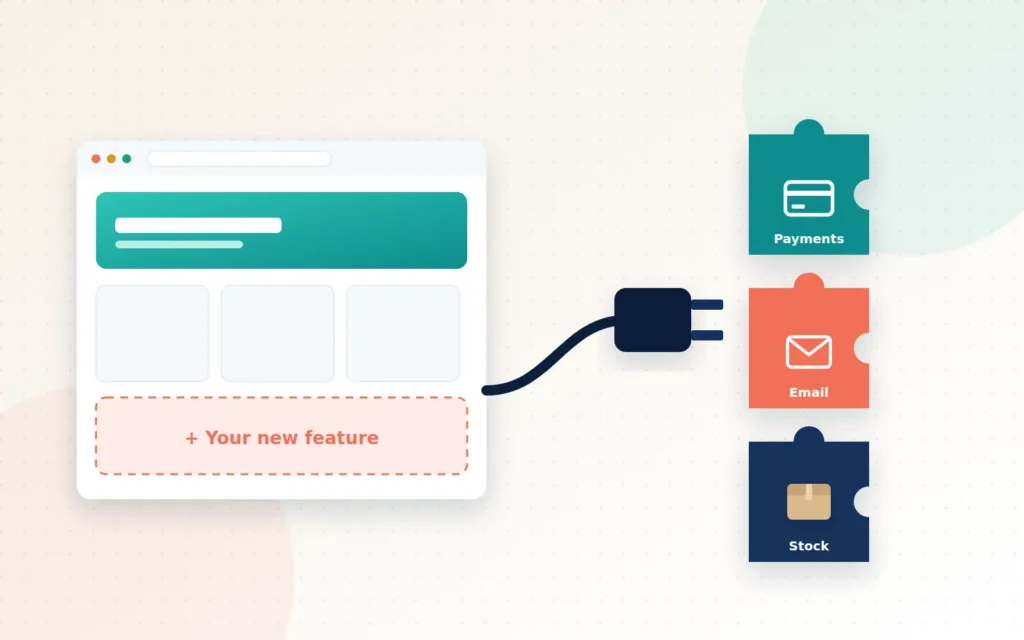
If the theme is how your WordPress site looks, plugins are what it does. A plugin is a package of code that adds features: a contact form, a booking system, a payment gateway, a client portal or an integration with another system. Plugins are the reason WordPress, which by W3Techs’ count runs more than 40% of all websites, can power everything from small blogs to large online stores.
One important principle: business features belong in plugins, not themes. If your custom features are built into your theme, you lose them the day you redesign. In a plugin, they carry on working whatever your site looks like.
When off-the-shelf is enough, and when it is not
There are tens of thousands of free and premium plugins available, and many are excellent. If a well-supported plugin does what you need, use it. But a custom plugin is worth considering when:
- Your process is unique. The way you quote, price, approve or fulfil orders does not match any standard plugin.
- You are stacking plugins. Five plugins and some custom code are being held together to do one job, and each update is a gamble.
- You need an integration that does not exist. Your website needs to talk to a local payment provider, a specific accounting package or a supplier’s system.
- Manual work is eating your week. Staff are copying data between systems, sending the same emails or updating spreadsheets by hand.
- Off-the-shelf options are a risk. The only available plugin is abandoned, poorly reviewed or asks for far more access than it needs.
What custom plugins can do
The possibilities are wide, but most business plugins fall into a few groups.
Automate repetitive work
Send documents automatically when an order reaches a certain stage, generate quotes from a form, assign tasks to staff, or produce weekly reports without anyone lifting a finger. Automation pays for itself quickly because it saves time every single day.
Connect your systems
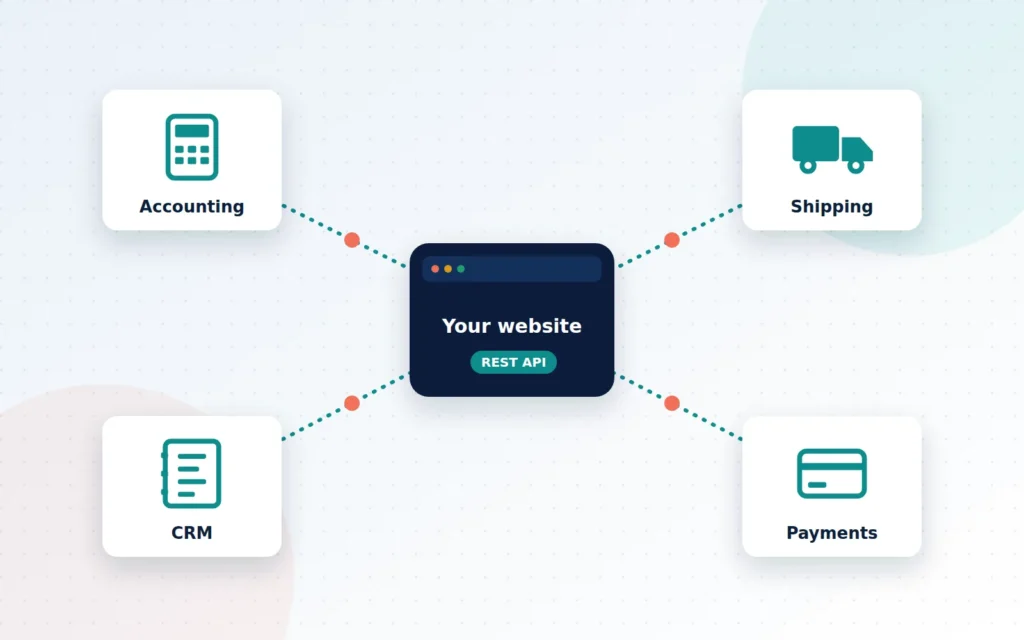
Through APIs (the standard way software systems talk to each other), a plugin can connect WordPress with accounting software, shipping carriers, CRMs, email platforms, payment gateways and supplier systems. Data flows automatically, so there is no re-typing and far fewer errors.
Extend WooCommerce
Custom pricing rules, wholesale portals, product configurators, subscription logic, custom checkout fields, deposits and part-payments, or a new payment gateway: WooCommerce is designed to be extended, and a custom plugin can make it work exactly the way your business sells.
Give your team better tools
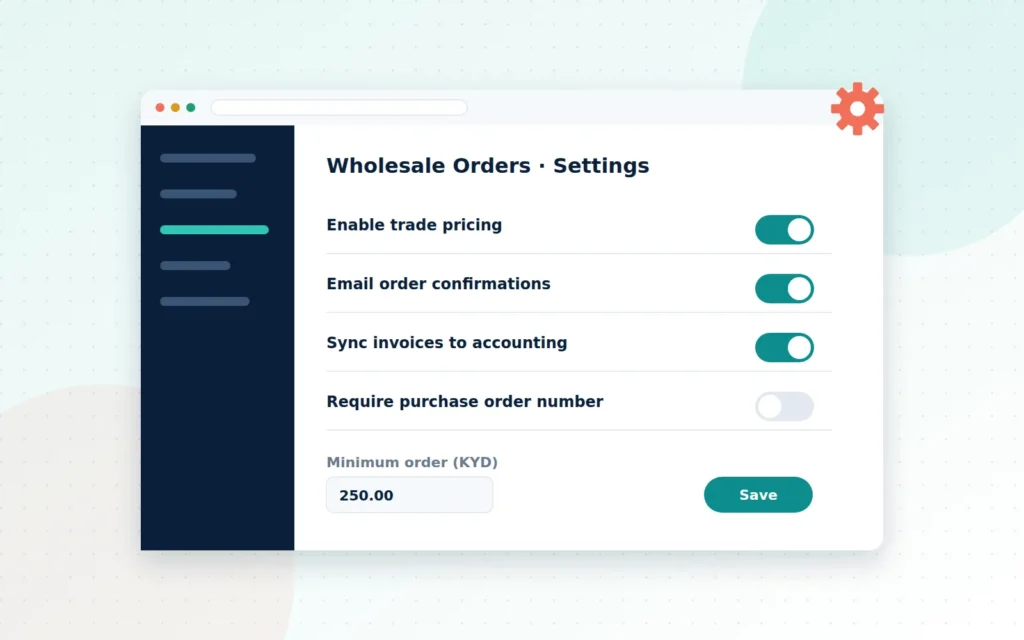
Custom admin screens, dashboards and settings pages put the information and controls your team needs in one place, in plain language, without exposing them to anything they should not touch.
Create custom content and blocks
Custom post types, such as case studies, properties, events or projects, and custom editor blocks let your team publish structured content consistently and easily.
What separates a good plugin from a risky one
Because plugins run inside your website, quality matters. A poorly written plugin can slow your site, conflict with other software or open a security hole. When commissioning a custom plugin, insist on:
- Security by default: validating and sanitising every input, escaping every output, checking user permissions and protecting forms against forgery.
- WordPress coding standards: clean, readable code that other developers can maintain.
- Testing: automated tests where it matters, plus testing on a staging site before anything goes live.
- Documentation: clear notes on what the plugin does, how to configure it and how it is built.
- Ownership: you should receive the source code and be free to have anyone maintain it.
- A maintenance plan: WordPress, WooCommerce and connected services evolve, and your plugin should keep pace.
An example: from inbox chaos to an automated workflow
Imagine a supplier that takes wholesale orders from local restaurants and hotels. Orders arrive by email and phone. A staff member types each one into a spreadsheet, checks stock, emails a quote, waits for approval, re-types the order into the accounting system and finally sends it to the warehouse. Every step is a chance for delay or error.
A custom plugin can replace most of this. Trade customers log in to a private ordering page that shows their own prices and live stock. Orders arrive as structured data, not free-text emails. Approved orders flow automatically to accounting through its API, generate an invoice and appear on a picking list for the warehouse, while the customer receives confirmation and delivery updates. The team’s job changes from typing and chasing to checking exceptions and serving customers.
This is an illustration rather than a specific client project, but the pattern is common. Most businesses have at least one process like it, and turning it into a dependable, automated feature is often where a custom plugin delivers its biggest return.
Signs a custom plugin could help you
- You use spreadsheets or email to bridge a gap between your website and another system.
- You have a long list of plugins that each do a small piece of one job.
- Your team repeats the same manual steps for every order or enquiry.
- Customers ask for something online that you can only offer offline today.
- You have an idea for a feature that would set you apart from competitors.
What working with Cayman Ecommerce looks like
We start with the problem, not the code. Together we map your current workflow, where it breaks down and what “done” looks like. We review any systems we need to connect to and their API documentation, then propose a clear scope, timeline and estimate. We build on a staging site, share progress as we go and test thoroughly, including a security review, before launch. You receive an installable plugin with a simple settings screen, technical documentation and the source code repository. Most plugin projects take two to six weeks, depending on complexity and integrations.
Here is what helps us scope your project accurately.
The bottom line
Your business is not generic, so your website should not have to be. When off-the-shelf plugins fall short, a well-built custom plugin turns your unique process into a dependable feature, saves your team hours and gives customers an experience your competitors cannot copy.
If you have a feature in mind, or just a problem you are tired of working around, let us build it.
Frequently asked questions
What happens to my custom plugin when WordPress updates?
We build to WordPress coding standards and test against new releases. We also offer maintenance plans so your plugin is checked and updated as WordPress, WooCommerce and connected services change.
Do I own the plugin code?
Yes. You receive the installable plugin, the source code repository and technical documentation, so you are never locked in.
Can a plugin connect to software we already use?
If the software has an API, almost certainly. We regularly connect WordPress to payment providers, accounting tools, shipping services and CRMs. Share the documentation with us and we will confirm what is possible.
Ready when you are
Let’s talk about your WordPress Plugin Development
Custom plugins that extend your theme and automate your business.