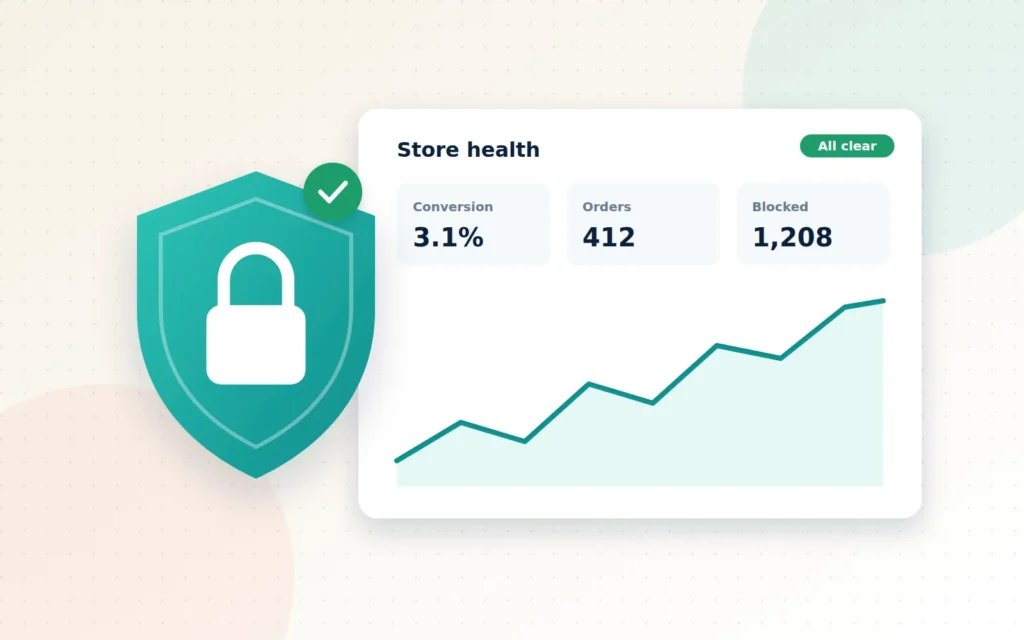
Running an online store without security is like leaving your shop unlocked overnight and hoping for the best. Running it without analytics is like keeping the lights off and guessing what customers are doing.
Most business owners know they “should” do something about both, but security sounds technical and analytics sounds complicated, so they slide down the to-do list. Until something goes wrong: a hacked site, a wave of fraudulent orders, or a sales dip nobody can explain.
Here is the reframe: security and analytics are not overheads. Security protects everything you have built, your customers’ trust most of all. Analytics shows you where to build next. Together, they let you grow with confidence instead of crossed fingers.
Key takeaways
- Small stores are targeted constantly by automated attacks, so the basics matter for everyone.
- Layered security, including updates, backups and two-factor login, prevents most common problems.
- Fraud screening rules stop costly fake orders before you ship them.
- A few well-chosen metrics, reviewed regularly, beat a pile of reports nobody reads.
Part one: lock the doors
Why small businesses are targets
It is tempting to think hackers only go after big companies. In reality, most attacks are automated. Bots scan huge numbers of websites looking for outdated software, weak passwords and known vulnerabilities, and they do not care how big you are. A small store with an old plugin is often an easier win than a large company with a security team.
The consequences go beyond technical headaches: stolen customer information, defaced pages, your site being blocked by browsers or search engines, and lost trust that is hard to win back. In the Cayman Islands, the Data Protection Act also places legal responsibilities on businesses that collect personal information, so protecting customer data is a compliance matter as well as a commercial one.
The essentials every store needs
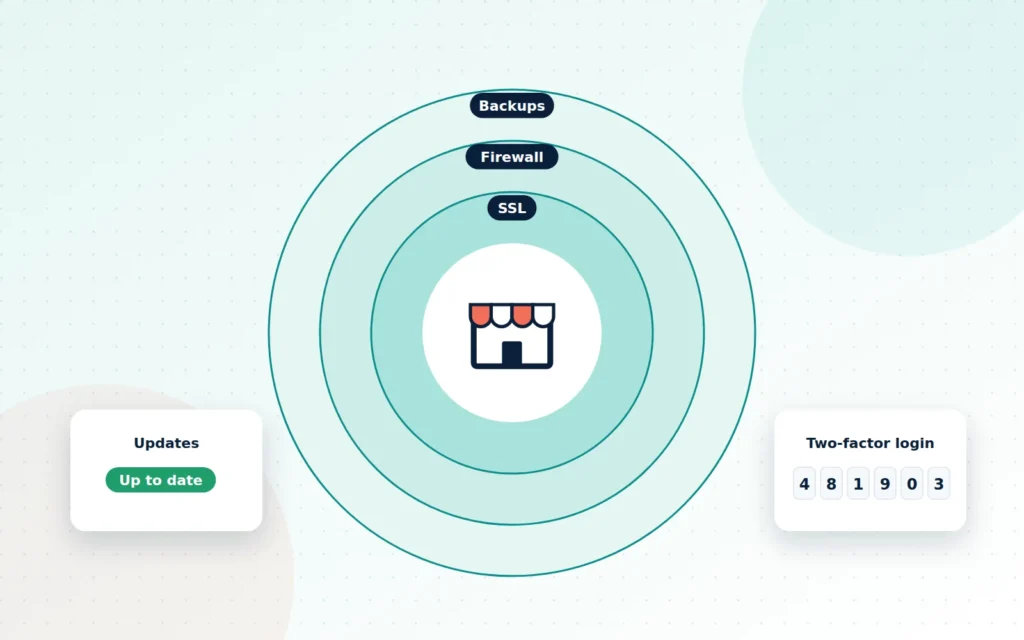
Good security is layered. If one layer fails, the next one catches the problem.
- SSL everywhere: the padlock in the browser, encrypting everything between your customers and your site.
- Updates: keeping your platform, theme and plugins current, because most breaches exploit known, already-fixed weaknesses.
- A web application firewall: filtering out malicious traffic before it reaches your site.
- Strong logins and two-factor authentication: so a stolen password alone is not enough to get in.
- Role-based access: giving each staff member only the access their job needs, and removing it when they leave.
- Malware scanning and activity logs: spotting problems early and seeing exactly what changed.
- Automated off-site backups: tested regularly, so you can restore quickly if the worst happens.
Fraud: the threat that arrives as an order
Not every threat is a hack. Fraudulent orders, placed with stolen card details, can look like great news until the chargeback arrives, often weeks after you shipped the goods. Sensible screening rules flag risky orders for review: mismatched billing and delivery details, unusually large first orders, many failed payment attempts or orders from high-risk locations. Many payment gateways also offer built-in fraud tools that can be tuned to your business.
For payments specifically, using a PCI-compliant gateway, so card data never touches your server, removes a huge amount of risk from the start.
Part two: read the room
Data you can actually use
Most stores are drowning in data and starving for insight. Analytics tools can produce hundreds of reports, but very few owners have time to read them. The goal is not more data; it is the right data, presented clearly, so you can make better decisions in minutes.
The metrics that matter most
For most online stores, a handful of numbers tells the story:
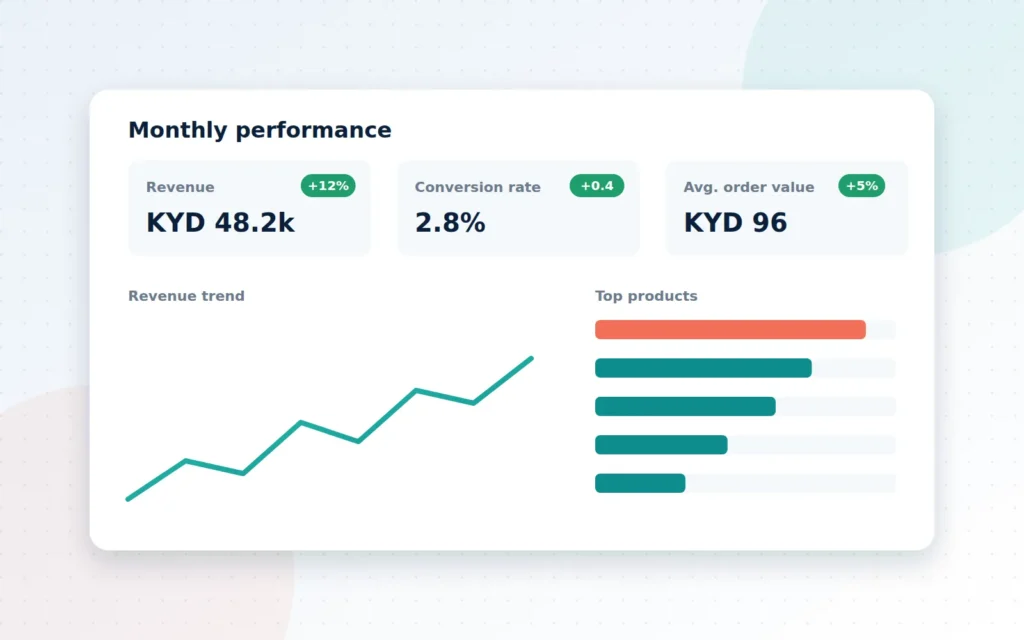
- Revenue and orders: are sales growing, and how does this month compare with last year?
- Conversion rate: what share of visitors actually buy?
- Average order value: how much does each customer spend?
- Traffic sources: where do your buyers, not just visitors, come from?
- Top products and categories: what sells, and what does not?
- Cart abandonment: how many people start checkout but do not finish?
- Repeat customer rate: are buyers coming back?
For B2B sellers, add account-level views: order frequency, average account value and accounts that have gone quiet.
Setting it up properly
Accurate analytics depends on correct setup. Google Analytics 4 can track the full e-commerce journey, from product views to add-to-cart, checkout and purchase, but only if those events are configured properly. Privacy matters too: a clear cookie consent banner and respectful data collection keep you on the right side of customers and regulations.
Once the tracking is right, a simple dashboard brings your key numbers together. Review it monthly, ask “why?” when something moves, and make one or two changes at a time so you can see what works.
How security and analytics work together
The two disciplines overlap more than you might think. Unusual traffic spikes can signal an attack. A sudden drop in conversions might point to a broken checkout or a security plugin blocking real customers. Logs and dashboards, reviewed together, give you early warning of problems you might otherwise discover only when customers complain.
A 15-minute monthly routine
Security and analytics do not need to take over your week. Once the foundations are in place, a short monthly routine keeps you in control:
- Check that updates and backups ran. Confirm the latest backup completed and is stored off-site.
- Review user accounts. Remove anyone who has left, and make sure every admin uses two-factor authentication.
- Scan the security log. Look for repeated failed logins, new admin accounts or unexpected file changes.
- Review flagged orders. Check any orders your fraud rules held back, and adjust rules that are too strict or too loose.
- Open your dashboard. Compare revenue, conversion rate and average order value with last month and the same month last year.
- Ask one question. What changed, and why? Pick one improvement to test next month.
Put it in your calendar. Fifteen minutes a month is a small price for knowing your store is safe and your decisions are grounded in real numbers. Our free checklist below includes this routine, ready to print.
Signs you need help
- You are not sure when your site was last updated or backed up.
- Several people share the same admin login.
- You have had fraudulent orders or chargebacks.
- You cannot say what your conversion rate is.
- Your analytics was installed years ago and nobody has checked it since.
What working with Cayman Ecommerce looks like
We start with a security audit of your site, hosting and user access, then harden everything we find: updates, firewall, SSL, logins and permissions. We set up automated off-site backups with a recovery plan, and configure fraud screening that suits your products and customers. On the analytics side, we set up or repair GA4 e-commerce tracking with proper consent, and build a dashboard with the key numbers for your business. Initial setup usually takes one to two weeks, followed by ongoing monitoring so you are never caught off guard.
Here is what we will need from you to begin.
The bottom line
You would not leave your shop unlocked or run it with the lights off. Your online store deserves the same care. With solid security and clear analytics in place, you can protect your customers, spot opportunities early and grow on solid ground.
If you would like peace of mind and clearer numbers, we are here to help.
Frequently asked questions
My store is small. Am I really a target?
Yes. Most attacks are automated and scan thousands of websites for common weaknesses, regardless of size. Small stores are often targeted precisely because they are less likely to be protected.
Will security measures slow my website down?
Done properly, no. Many measures, such as a good firewall and caching setup, can actually improve performance. We tune security and speed together.
What will my analytics dashboard show?
The key numbers for your business, typically revenue, conversion rate, average order value, top products and traffic sources, in a simple dashboard you can check in a few minutes.
Want us to check your store for you?
Tell us where your store lives and what matters most. We’ll send a prioritised, plain-English fix list within 2 business days — free.
Ready when you are
Let’s talk about your Security & Analytics
Protect customer data, prevent fraud and measure what matters.