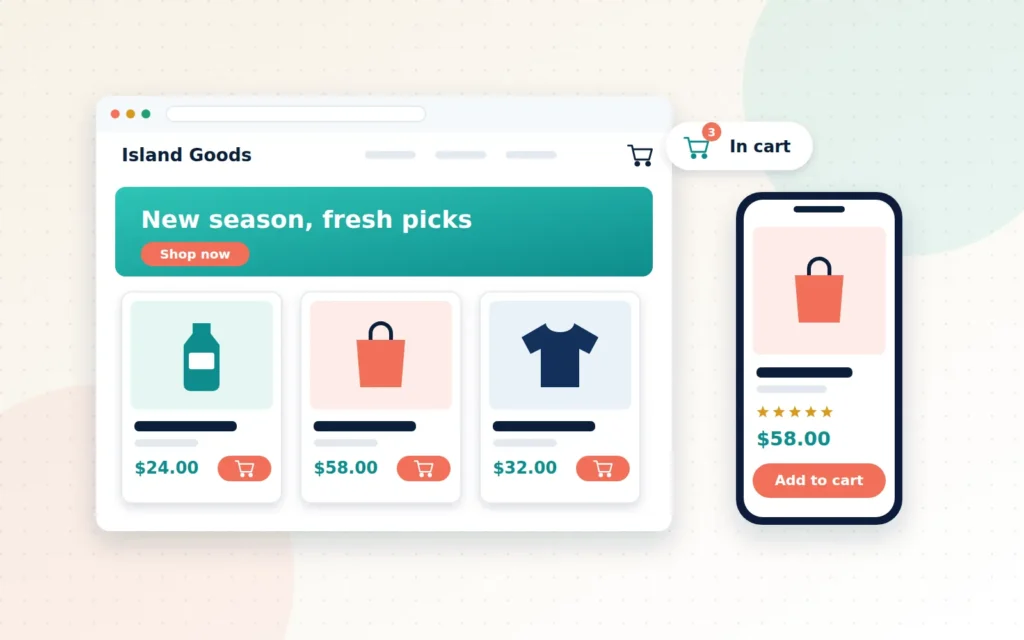
It is 2:14 a.m. A customer in George Town cannot sleep, so they pick up their phone and start browsing. A purchasing manager in Miami is clearing their inbox before an early flight. A shopper in Toronto is comparing three suppliers side by side. None of them can see your shopfront, your smile or your years of experience. All they can see is your website.
That is the reality of selling online. Your store never closes, and it never gets a second chance at a first impression. In those few seconds, a visitor decides whether you look trustworthy, whether they can find what they need, and whether paying you feels safe. If any of those answers is “not sure”, they leave, usually without telling you why.
The good news is that a high-performing online store is not luck, and it is not reserved for big brands with big budgets. It comes from a handful of decisions made well. This guide walks through them, whether you sell handmade goods to locals, wholesale supplies to other businesses, or both.
Key takeaways
- A store that sells is planned around your customer’s journey, not around a template.
- Speed, mobile experience and a short checkout matter more than flashy design.
- Clear product information and visible policies are what build trust with first-time buyers.
- The right platform depends on how you sell today and how you plan to grow.
Why “just getting a website up” is not enough
Many businesses start online with a quick template and a few product photos. That is a reasonable first step, but it often stalls. The store technically works, yet sales trickle in and nobody is quite sure why.
The reason is simple: a website that exists is not the same as a website that sells. Research from the Baymard Institute puts the average documented online cart abandonment rate at roughly 70%. In plain terms, most people who add something to their cart never finish buying it. Some were only browsing, but many were put off by something fixable: surprise costs, a forced account sign-up, a confusing form or a checkout that did not feel secure.
A purpose-built store is designed to remove those reasons, one by one.
Start with your customer, not your colour scheme
Before anyone talks about fonts or colours, a good store build starts with questions:
- Who buys from you? Busy consumers on mobile behave differently from procurement teams ordering in bulk on a desktop.
- What do they need to know before buying? Sizes, materials, delivery times, minimum order quantities, warranty terms.
- How do they prefer to pay? Card, bank transfer, deposits or account terms for trade customers.
- What usually makes them hesitate? Delivery costs, return worries, trust in a business they have never met.
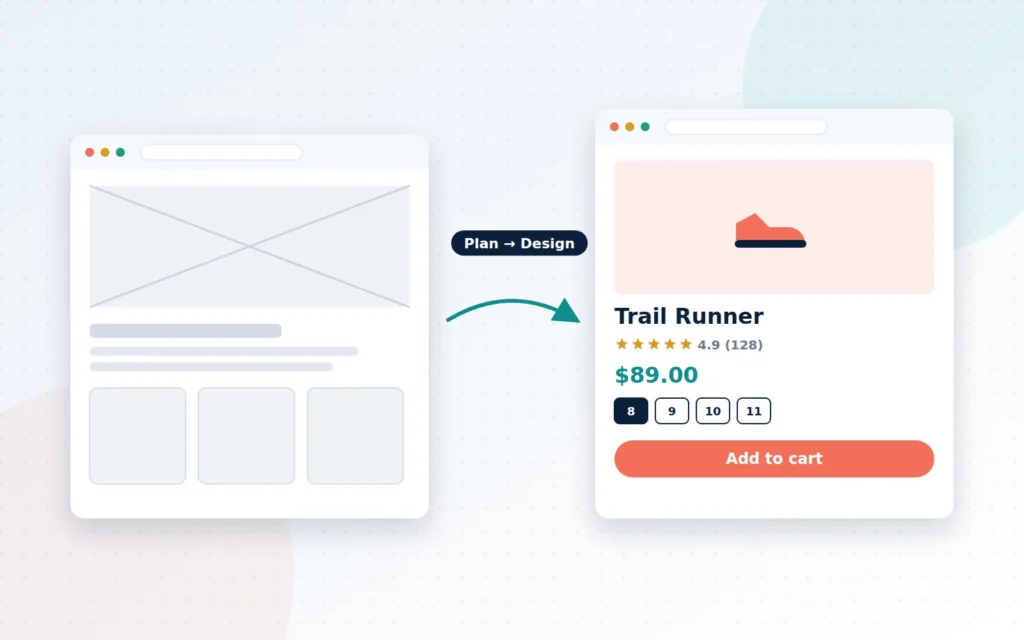
The answers shape everything that follows: how your menu is organised, what appears on each product page, and how your checkout flows.
The five building blocks of a store that sells
1. A fast, mobile-first experience
Most browsing now happens on phones, and mobile shoppers are not patient. Pages should load quickly, buttons should be easy to tap, and nobody should have to pinch and zoom to read a price. Google measures how quickly and smoothly your pages load through its Core Web Vitals, and those signals feed into how your site appears in search. Performance is not just a technical nicety; it is a sales and visibility issue.
2. Navigation that matches how people shop
Customers should be able to reach any product in about three clicks. That means sensible categories, filters that reflect real buying decisions (size, price, use, brand), and a search bar that actually finds things, including common misspellings.
3. Product pages that answer questions before they are asked
Your product page is your salesperson. It needs clear photos from several angles, a short benefit-led summary, the specifications buyers compare, stock availability and delivery information. For trade customers, add bulk pricing, pack sizes and downloadable spec sheets. Every question you answer on the page is one less reason to leave.
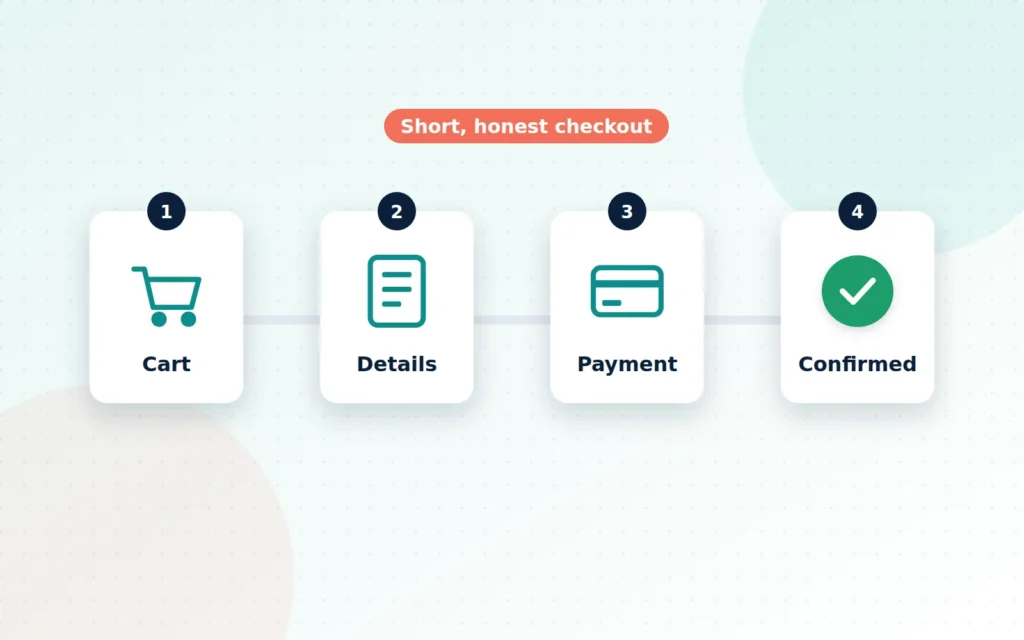
4. A short, honest checkout
The checkout is where intent becomes revenue. The best ones show the total cost early (including delivery), offer guest checkout, keep forms short, and display recognisable payment options and security cues. For Cayman businesses, supporting both KYD and USD clearly, with the right tax and duty rules, removes another common source of hesitation.
5. Trust signals everywhere
New visitors are asking, “Is this business real?” Show them it is: a clear About page, real contact details, published shipping, returns and privacy policies, secure padlock (SSL) on every page, and genuine reviews or case studies where you have them. None of this is glamorous, but all of it converts.
WooCommerce or Shopify? Choosing the right foundation
We build on both platforms because neither is right for everyone.
WooCommerce runs on WordPress. You own everything, can customise almost anything, and can combine your store with rich content such as guides, recipes or a blog that brings in search traffic. It suits businesses that want flexibility, custom features or integration with other systems.
Shopify is a hosted platform. Hosting, security patches and core updates are handled for you, and the admin is famously simple. It suits owners who want to focus purely on selling with fewer moving parts.
The right choice depends on your product range, your team’s comfort with technology, the integrations you need, and your budget for ongoing costs. A good partner will explain the trade-offs honestly rather than pushing the platform they happen to prefer.
B2B and B2C stores have different jobs
If you sell to both consumers and businesses, your store needs to serve two very different buyers.
Consumers want inspiration, quick decisions and an easy checkout. Business buyers want efficiency: quick reordering, account pricing, purchase order references, invoices and the ability to order on account or by bank transfer. These features can live side by side on one site, with trade customers logging in to see their own prices and payment options, but they need to be planned from the start rather than bolted on later.
Signs it is time to bring in a professional
You do not always need an agency. A simple template can carry a small catalogue for a while. But it is time to talk to a specialist when:
- Traffic is growing but sales are not.
- You are spending hours on manual work the store should handle for you.
- Customers regularly email to ask things the website should already answer.
- You want features your current setup cannot do, such as wholesale pricing or multiple currencies.
- You are embarrassed to send people to your own website.
What working with Cayman Ecommerce looks like
We keep the process clear and collaborative. We start with a discovery conversation about your customers, products and goals. We then plan the structure of your store and design key pages for your approval. Next comes the build: setting up your platform, importing products, configuring payments, shipping and taxes, and tuning performance and accessibility. Before launch, we test every path a customer can take, on phones and desktops. After launch, you get a training session, a written handbook and 30 days of support, so you are never left guessing.
Most store builds take four to eight weeks, depending mainly on how ready your product information is. To make that easy, here is exactly what we will ask you for.
The bottom line
Your online store is the hardest-working member of your team. It greets every visitor, answers their questions and takes their money, at any hour, in any time zone. Built well, it earns its keep many times over. Built in a hurry, it quietly turns away customers you will never know you lost.
If you are ready to build a store that works as hard as you do, we would love to hear about your business.
Frequently asked questions
Should I build on WooCommerce or Shopify?
Both are excellent. WooCommerce runs on WordPress, gives you full ownership and flexibility, and suits stores that want deep customisation or a content-heavy site. Shopify is fully hosted and quick to manage, which suits owners who want fewer moving parts. We recommend one after hearing your goals, budget and how your team works.
How long does it take to build an online store?
Most of our store builds take between four and eight weeks. The biggest factor is usually content: having product names, descriptions, prices and photos ready keeps the project moving.
Can I update products and prices myself after launch?
Yes. Every store we build comes with a training session and a written handbook, so your team can add products, change prices and run promotions without calling a developer.
Want us to check your store for you?
Tell us where your store lives and what matters most. We’ll send a prioritised, plain-English fix list within 2 business days — free.
Ready when you are
Let’s talk about your Store Development
Online storefronts built on WooCommerce or Shopify that look sharp and sell.